Markdown that reads like a finished document.
Sarala is a minimal writing app that renders Markdown the moment you type it — no split panes, no preview window, no friction. Free forever, open source, and yours to hack on.
Welcome to Sarala
A seamless WYSIWYG Markdown editor built with Tauri and SolidJS — no preview pane, no split view. Click any block to edit its Markdown source; click away and it renders in place.
Why no preview window?
A Markdown document should be publishable as-is, as plain text, without looking like it's been marked up with tags or formatting instructions.
Split panes duplicate content, waste half the screen, and pull your eyes away from the writing. Here, the editing surface is the preview.
What works
- Live blocks — click to reveal source, blur to render
- Keyboard:
Cmd/Ctrl+Bbold,Iitalic,Klink,1–6headings - Task lists with clickable checkboxes
- try checking this
- this one is done
Built with a fast, modern, native stack
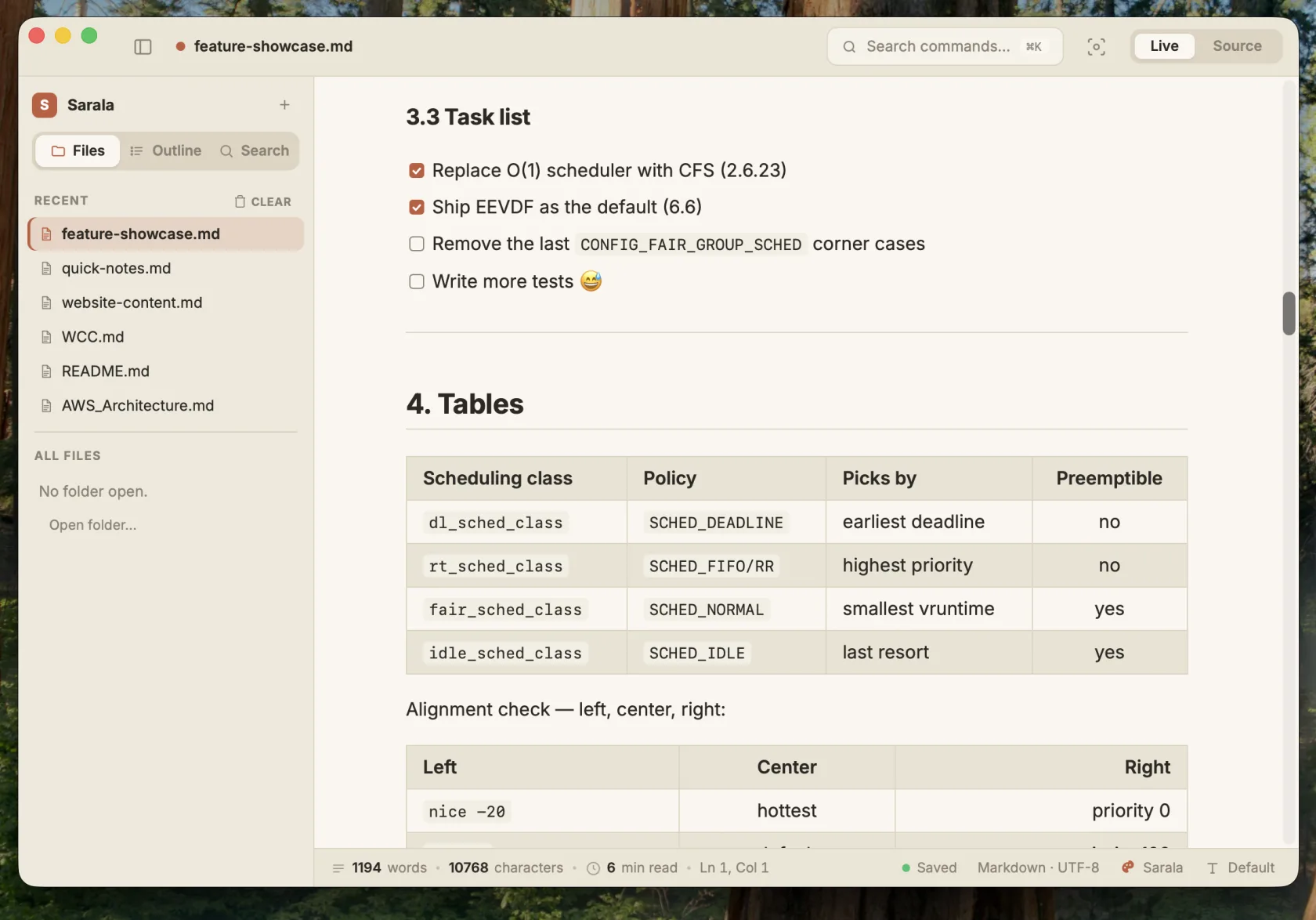
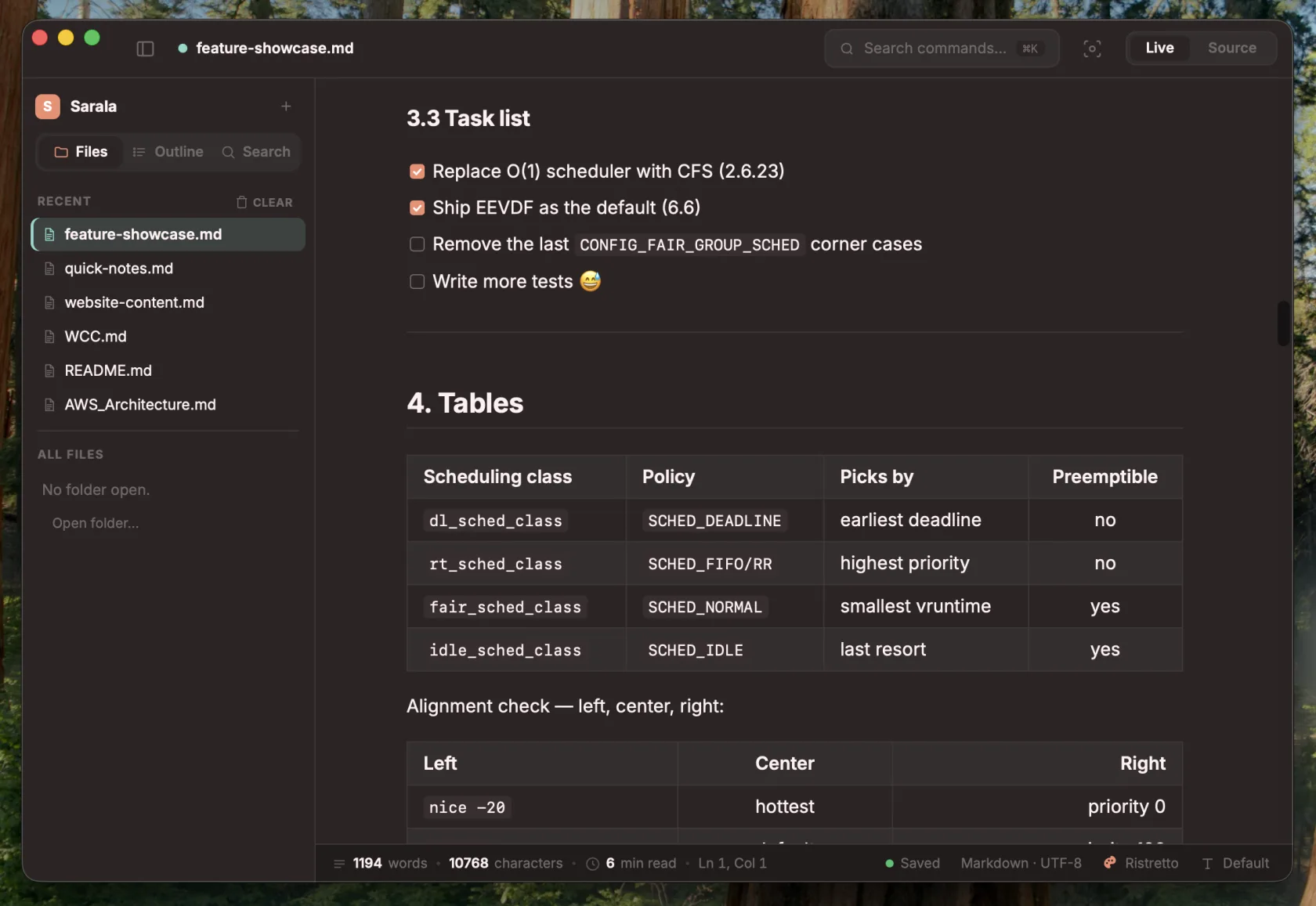
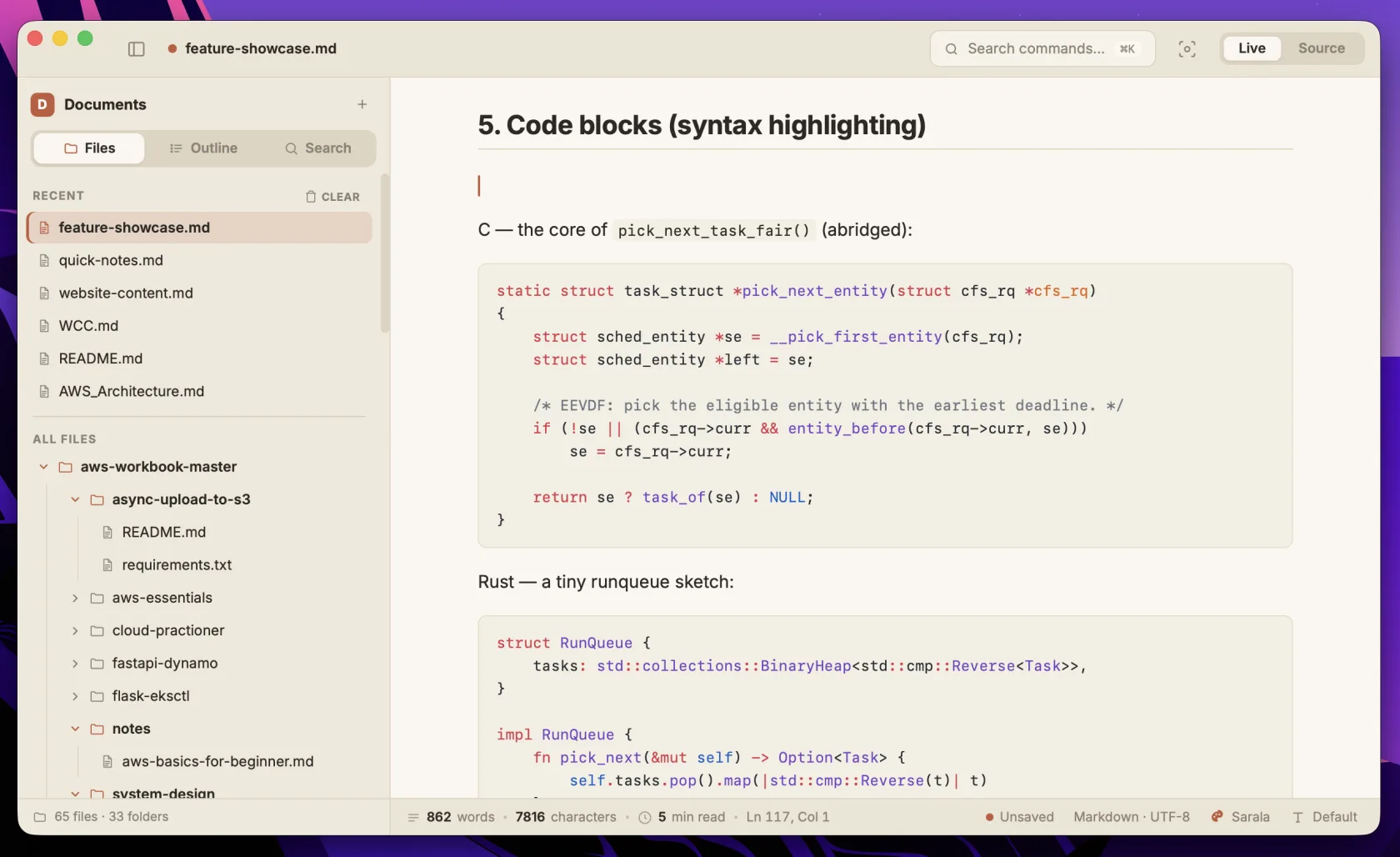
See Sarala in action.
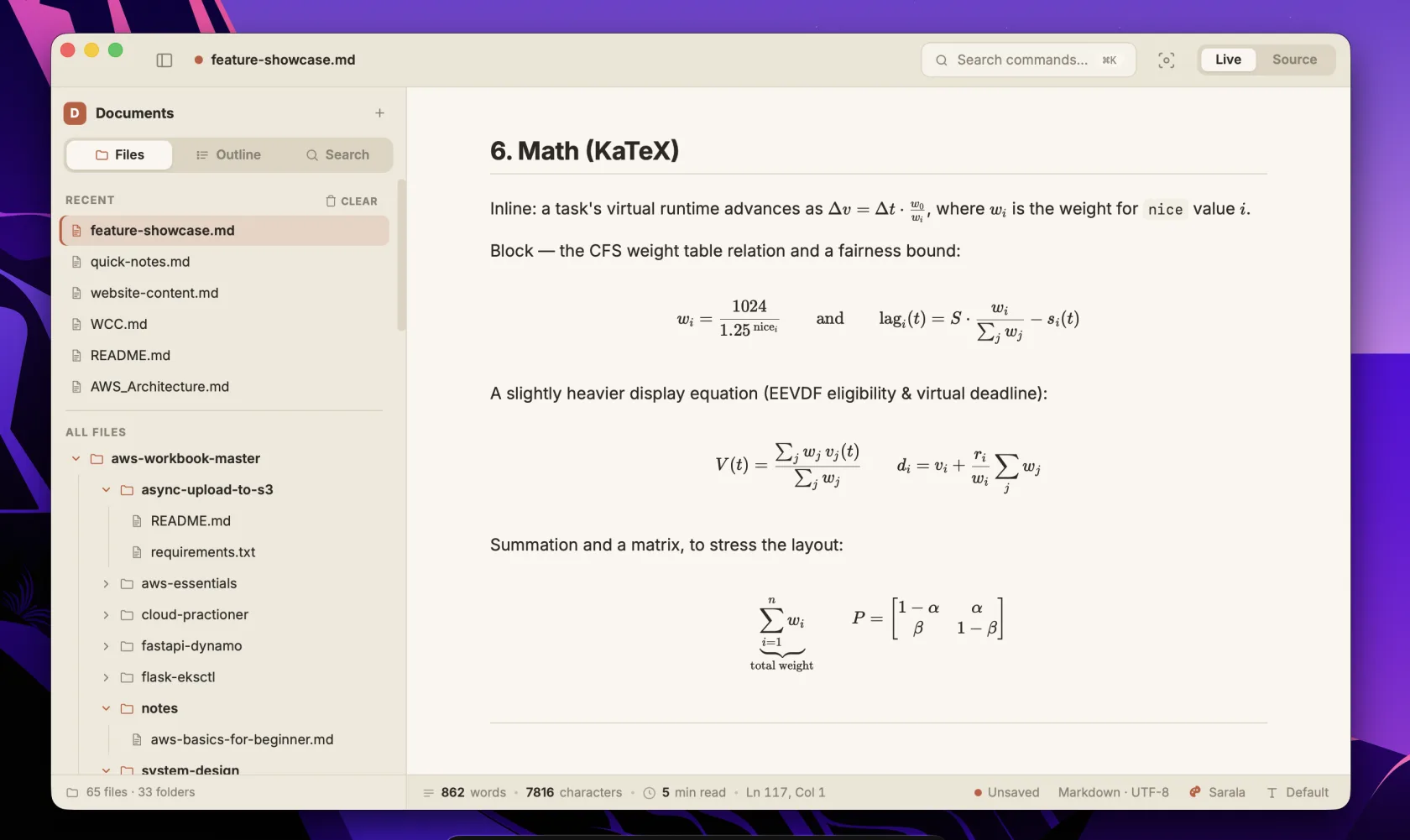
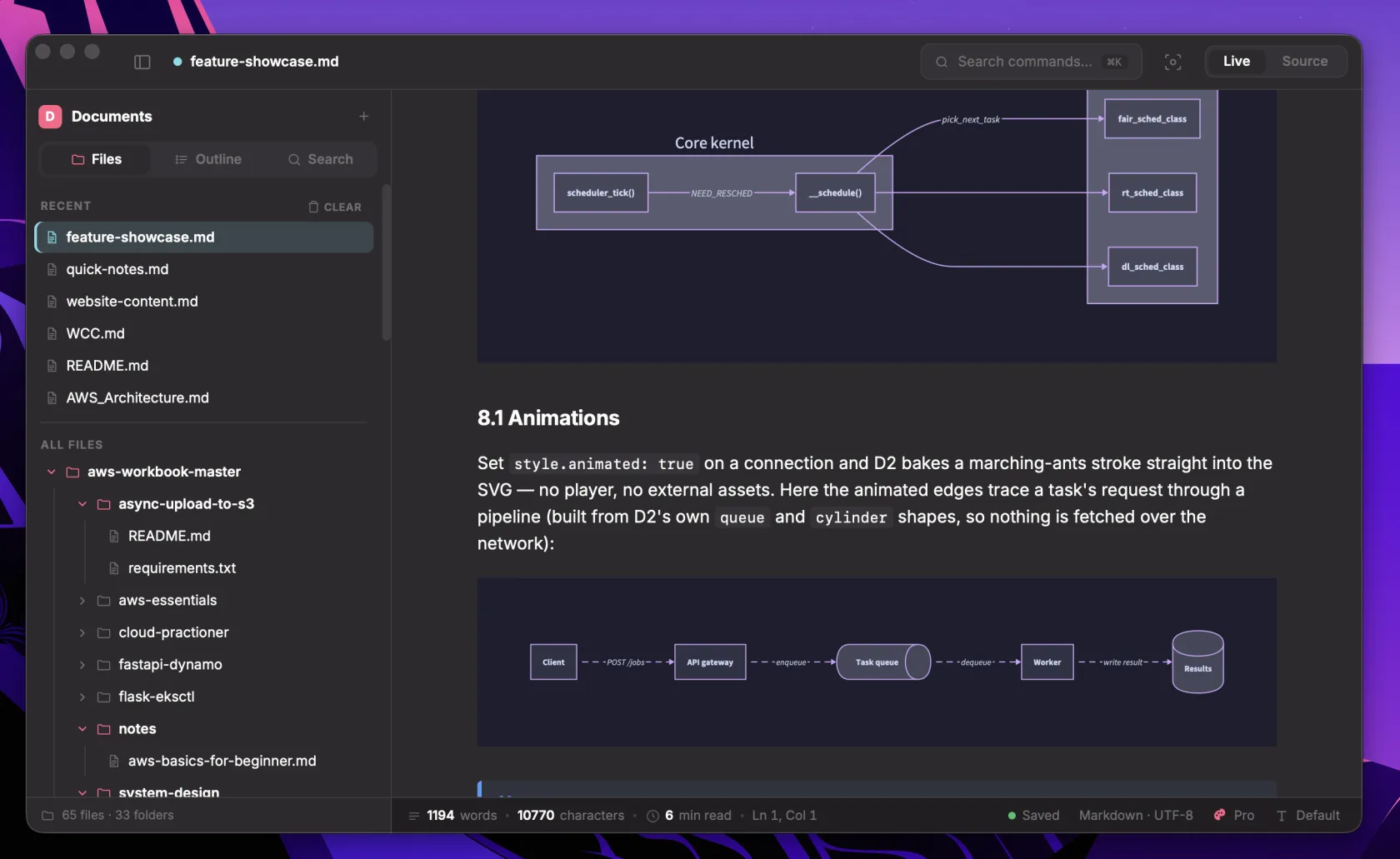
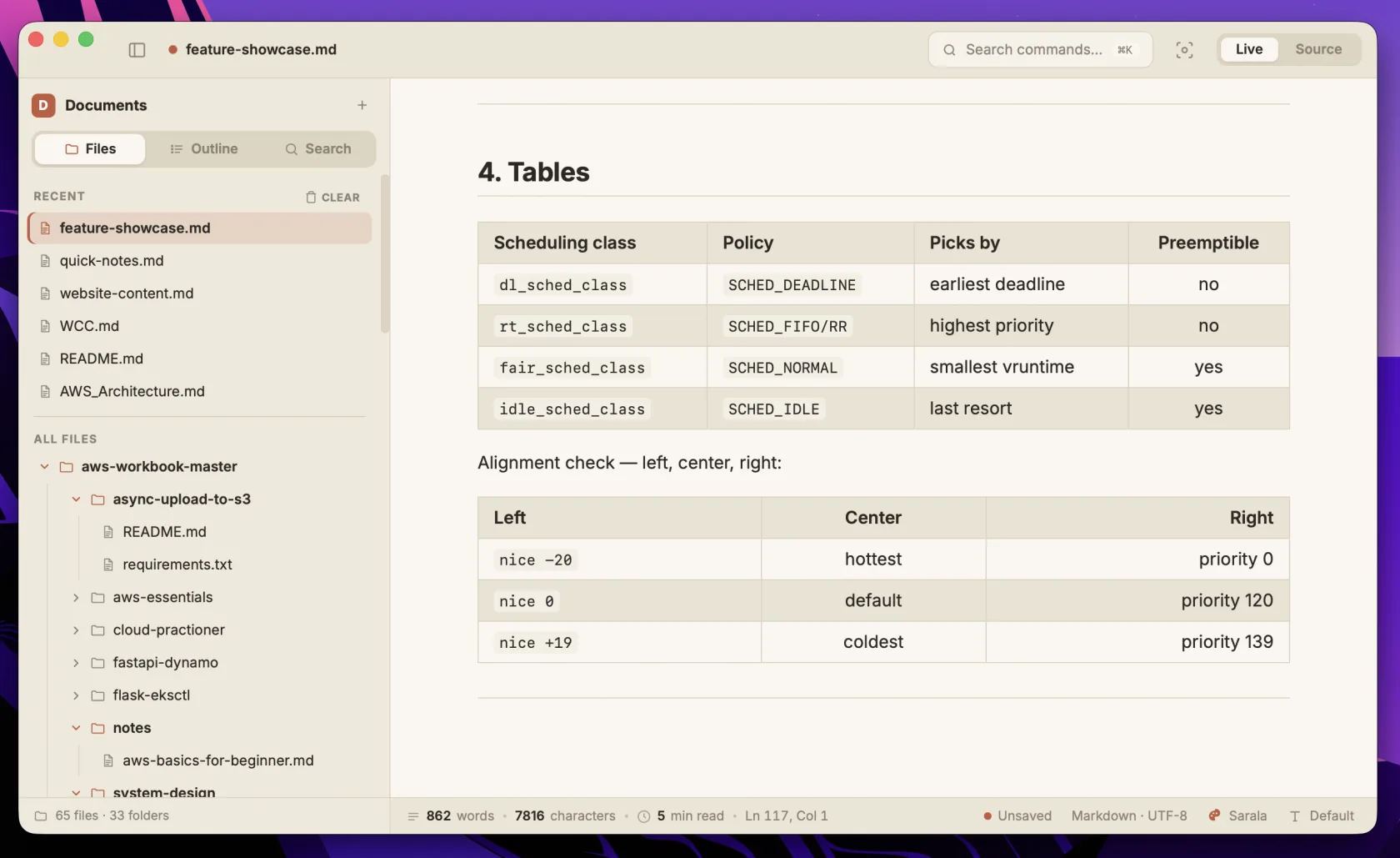
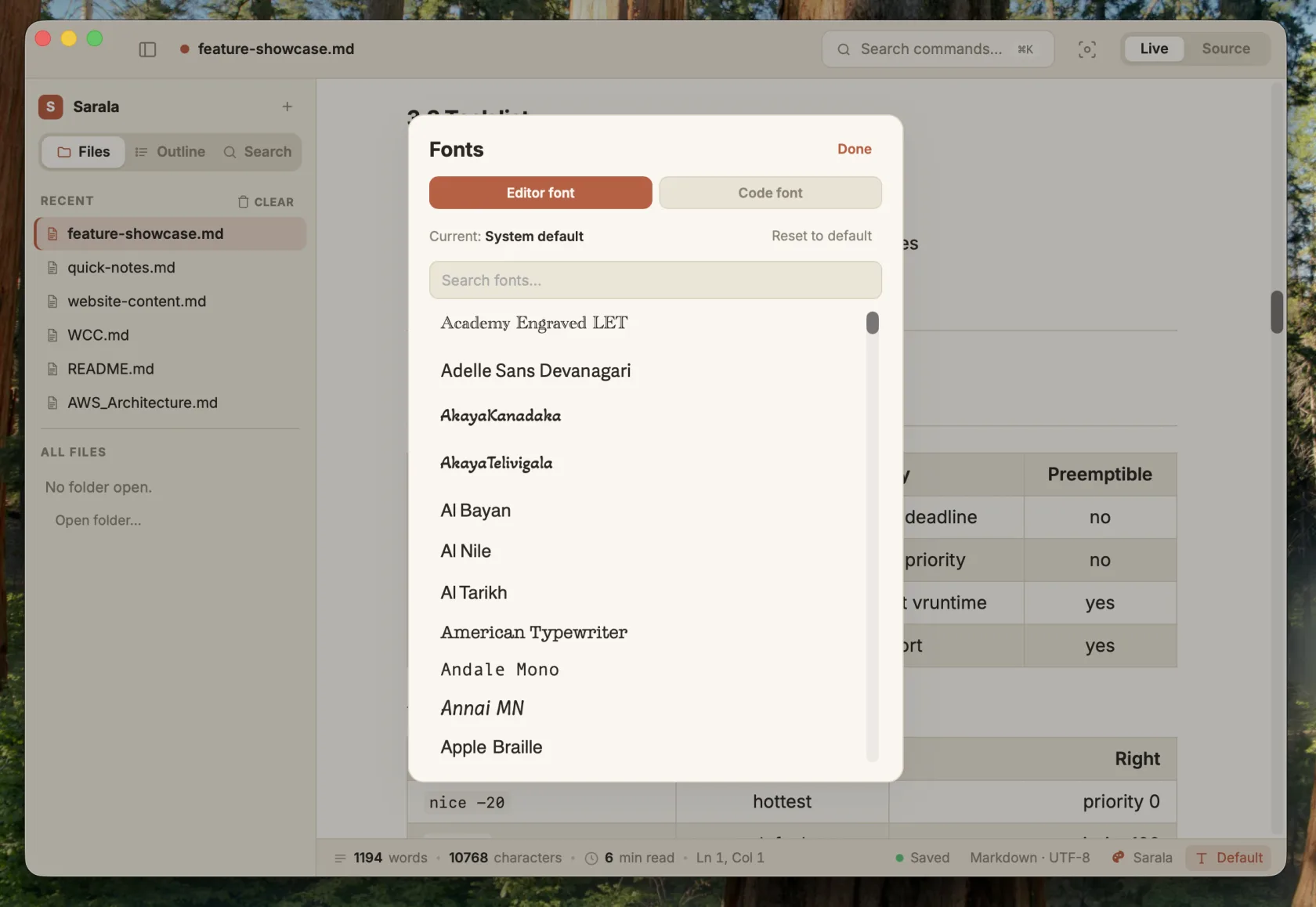
Real captures from the app — the live editor, syntax highlighting, math, diagrams and more. Click any shot to open it full-size.
You write the markup. We render it instantly.
Most editors split your screen in two: raw text on the left, a preview on the right, and a scrollbar
fighting between them. Sarala collapses both into one surface. Type
**bold** and it turns bold under your cursor — the syntax stays close, but never
in your way.
No split, no lag
The document you edit is the document you'll publish. Rendering happens on the same line you're typing.
Markers when you need them
Move your cursor into a heading or link and its Markdown reappears — color-coded, ready to edit.
Smart list & block continuation
Sarala auto-numbers lists, carries over unchecked tasks, continues blockquotes, and handles code fences for you.
The quiet tools
Good software is invisible. It lets you forget it's there and just write.
A tool should feel like a pencil, not a cockpit.
- –Zero chrome
- –Pure keyboard flow
- Reads like print
Learn more at sarala.md.
One plain-text file. Every kind of content.
Tables, code, math and diagrams, rendered the moment you type them — plus a command palette, live outline, focus mode and typewriter scrolling that keep a long writing session in flow.
Tables, without the pain
Draw a table with pipes and dashes, or use the visual builder. Sort columns, add rows, and align cells — Sarala keeps the underlying Markdown tidy.
| Feature | Sarala | Others |
|---|---|---|
| Live render | instant | on save |
| Math | LaTeX | plugin |
Fenced code
Shiki-powered syntax highlighting for 100+ languages, themed to match your palette.
return "hi"
Math & equations
Inline and block LaTeX, rendered with KaTeX as you write.
Diagrams — Mermaid & D2
Flowcharts, sequences and animated D2 pipelines, straight from a fenced code block.
Images, footnotes & tasks
Drag an image in and it's copied beside your file. Footnotes,1 reference links and ☑ task lists all render live.
Command palette ⌘K
Every command, file, and heading — one keystroke away. Never reach for the mouse.
Live outline
Every heading becomes a jump-to anchor as you write.
Your fonts
Pick any installed editor & code font.
Focus mode
Dim everything but the sentence you're writing.
File tree
Open a folder and Sarala becomes your whole notebook.
Typewriter mode
The line you type stays centered on screen.
Always current
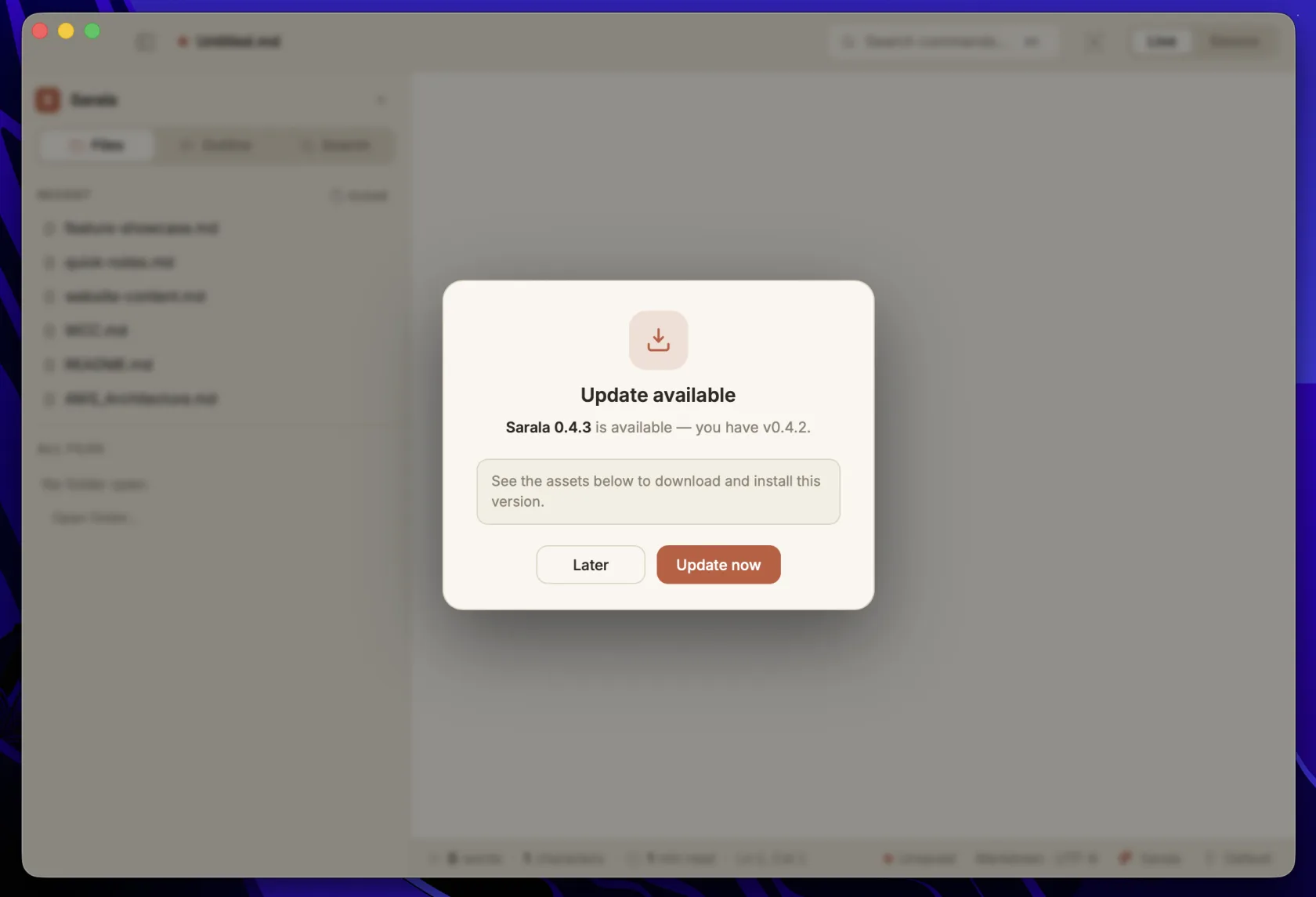
Built-in updater ships new versions the moment they land.
Export anywhere
One document, every format. Your words aren't locked in.
Pick a palette. The whole app follows.
Every Sarala palette is a complete, hand-tuned color system — backgrounds, text, and a six-color accent set for your syntax. Click any card to recolor this entire page, right now.
**bold** · code
**bold** · code
**bold** · code
**bold** · code
**bold** · code
**bold** · code
**bold** · code
Free forever. Owned by everyone.
Sarala is released under the GNU General Public License v3.0. No price, no license keys, no telemetry — read the source, build it yourself, fork it, and ship your changes back.
$0. Always.
Yours to read and change.
Clone it, read every line, and build it yourself — or fork it into something entirely your own. No paywalled features, no license keys, no telemetry, ever.
Contributing guide · Report an issue — looking for a build? Download →
No telemetry
Sarala never phones home. Your files, your keystrokes, and your habits stay on your machine — verifiably, because you can read the code.
Built in the open
Every line is on GitHub under GPL-3.0. Open an issue, send a pull request, or fork it into something entirely your own.
Plain-text forever
Your documents are just .md files on disk. No proprietary format, no lock-in — open them in any editor, any decade.
Download Sarala
The native, no-friction Markdown editor for Linux, macOS & Windows. Free, open source, and yours to keep.
Opening Sarala the first time
Installing the .dmg by hand? macOS blocks apps that Apple hasn’t notarized. Clearing it takes about ten seconds, and you only do it once. Homebrew handles this for you.
-
Put Sarala in Applications
Open the downloaded
.dmgand drag the Sarala icon onto the Applications folder. -
Run this line once
Press ⌘Space, type Terminal, then paste the command below and hit Return.
Terminal xattr -dr com.apple.quarantine /Applications/Sarala.appIt clears the “downloaded from the internet” quarantine flag on Sarala, and nothing else on your Mac.
-
Open Sarala
Launch it from Applications. Every launch after this one is normal.
-
Try to open it
Double-click Sarala in Applications. macOS refuses and shows a warning, so click Done.
-
Open Privacy & Security
Apple menu System Settings Privacy & Security, then scroll down to the Security section.
-
Click Open Anyway
It sits next to “Sarala was blocked…”. Confirm with Touch ID or your password and Sarala launches.
-
Right-click the app
In Applications, right-click (or Control-click) Sarala.
-
Choose Open, twice
Pick Open from the menu, then Open again in the dialog that appears.
Seeing “Sarala is damaged and can’t be opened”? Your download is fine. That is simply how Gatekeeper describes an un-notarized app on Apple Silicon, and either method above clears it.
Notarization needs a paid Apple Developer account. Sarala is free and open source, so you can verify the release checksums or build it from source instead of taking our word for it.
Rather use Homebrew?
Three lines in Terminal instead of the download: no disk image to drag, no first-launch warning, and brew upgrade keeps Sarala current.
brew tap solancer/sarala https://github.com/solancer/saralabrew trust --cask solancer/sarala/saralabrew install --cask --yes sarala
tap points Homebrew at the Sarala repository, trust approves that source once, and install puts Sarala 1.1.2 in your Applications folder. Later on, brew upgrade --cask sarala updates it.